中文
English
🧿 元神之眼 SoulVision
工业视觉检测平台 — 产品使用说明书
Industrial Vision Inspection Platform — User Manual
深圳市中科劲纬智能有限公司 | v3.0 | 2026-05
1 产品概述 Product Overview
1.1 产品定位
1.1 Positioning
元神之眼(SoulVision),前身项目代号 CTJI_VisionMaster,基于 WPF + MVVM 架构开发的国产化工业视觉高精度检测平台。主打电子元件针脚检测、外观缺陷检测、尺寸测量、OCR 识别、条码扫码、PLC 产线全链路联动,全面兼容工业相机、运动控制、IO 模块、扫码枪、MES 系统对接。
SoulVision, formerly CTJI_VisionMaster, is a domestically developed high-precision industrial vision inspection platform built on WPF + MVVM architecture. It specializes in electronic component pin inspection, surface defect detection, dimensional measurement, OCR, barcode scanning, and full PLC production line integration, compatible with industrial cameras, motion controllers, IO modules, barcode scanners, and MES systems.
1.2 核心技术栈
1.2 Tech Stack
前端框架:WPF MVVM
视觉底层:OpenCvSharp
检测模型:YOLOv12 / YOLO ONNX
多模态大模型:Qwen3-VL
量子引擎:QPanda / Qiskit
数据存储:MSSQL + SQLite
通讯协议:Modbus TCP、Siemens S7、MQTT、gRPC
Frontend: WPF MVVM
Vision: OpenCvSharp
AI Models: YOLOv12 / YOLO ONNX
LLM: Qwen3-VL
Quantum: QPanda / Qiskit
Database: MSSQL + SQLite
Protocols: Modbus TCP, Siemens S7, MQTT, gRPC
1.3 适用场景
1.3 Applications
电子元器件针脚检测、五金外观缺陷、塑胶毛刺缺料、精密尺寸测量、条码二维码识别、产线 OK/NG 分拣、MES 数据上传、多语言海外部署。
Electronic component pin inspection, surface defect detection, precision measurement, barcode/QR recognition, production line OK/NG sorting, MES data upload, multi-language international deployment.
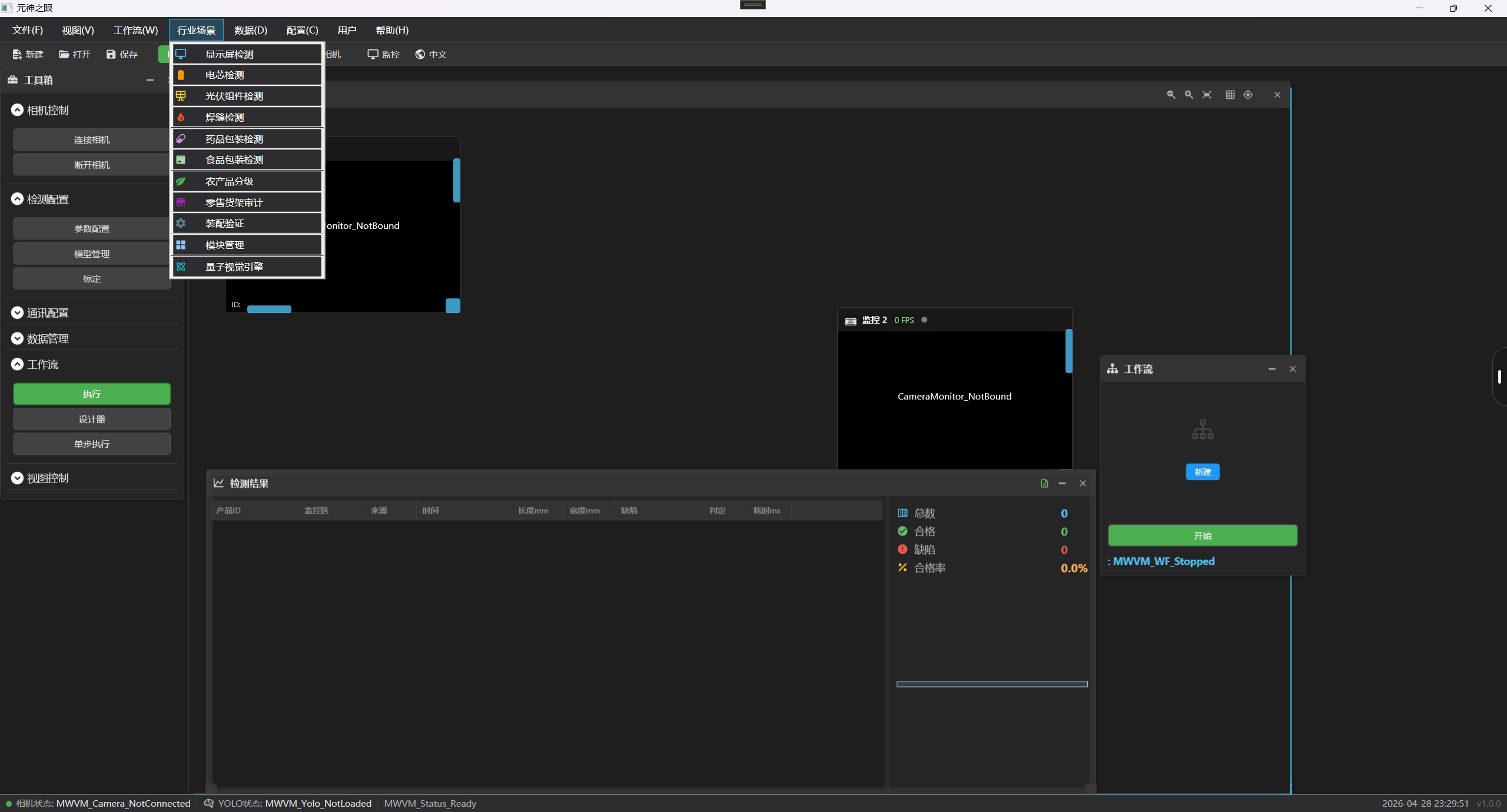
行业场景适配 / Industry Applications
2 系统登录与主界面 Login & Main Interface
系统登录 / System Login
启动平台后进入登录界面,输入管理员账号密码即可登录主面板。左侧功能导航树分为:硬件配置、视觉检测、模型训练、工作流设计、实时监控、数据查询、系统设置等核心模块。
Launch the platform and log in with admin credentials. The left navigation tree contains: Hardware Config, Vision Inspection, Model Training, Workflow Designer, Real-time Monitoring, Data Query, and System Settings.
3 硬件配置中心 Hardware Configuration
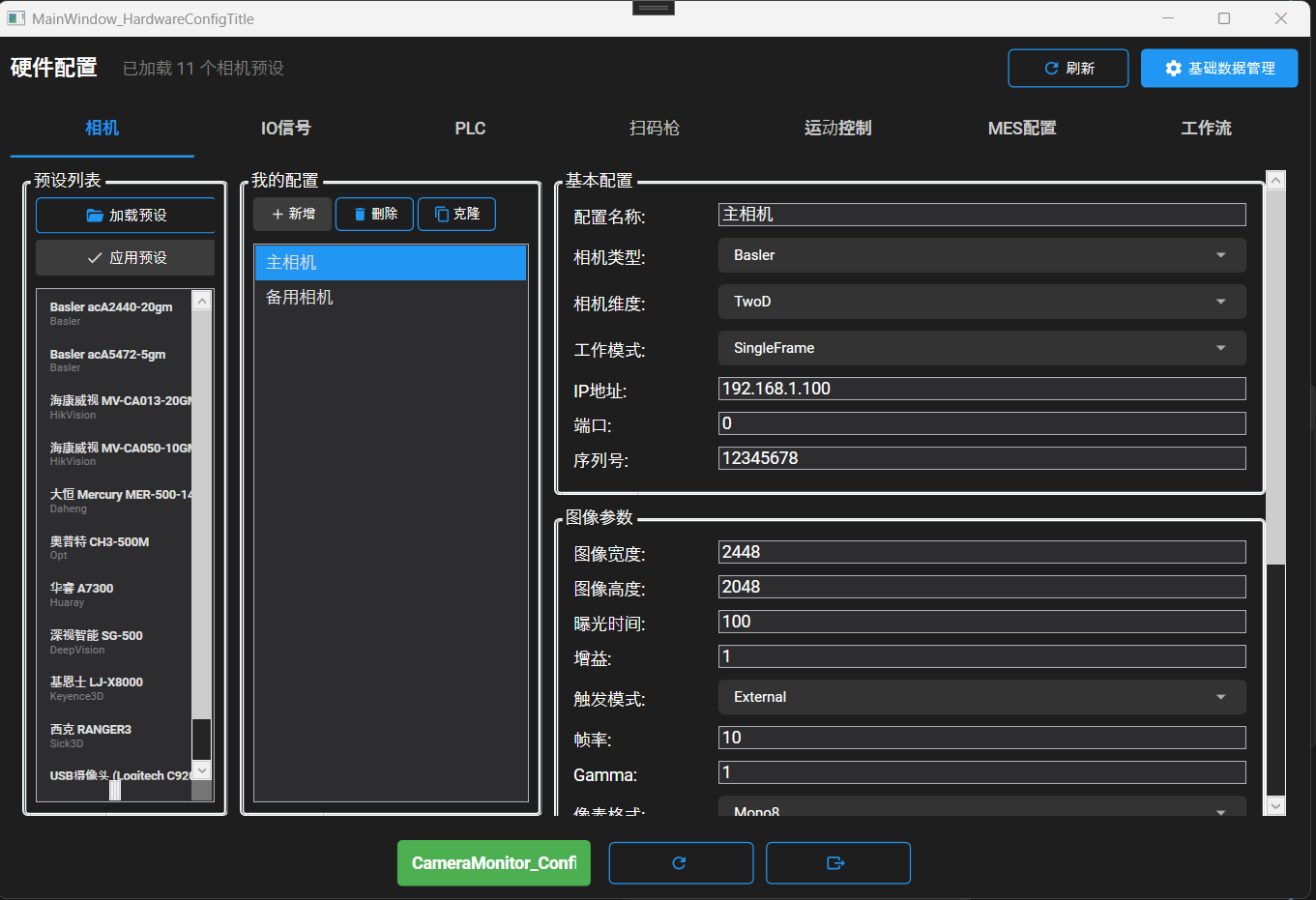
统一配置入口,支持 15+ 品牌设备的参数配置与连通性测试。
Unified configuration portal supporting 15+ device brands with connectivity testing.
硬件配置 / Hardware Config
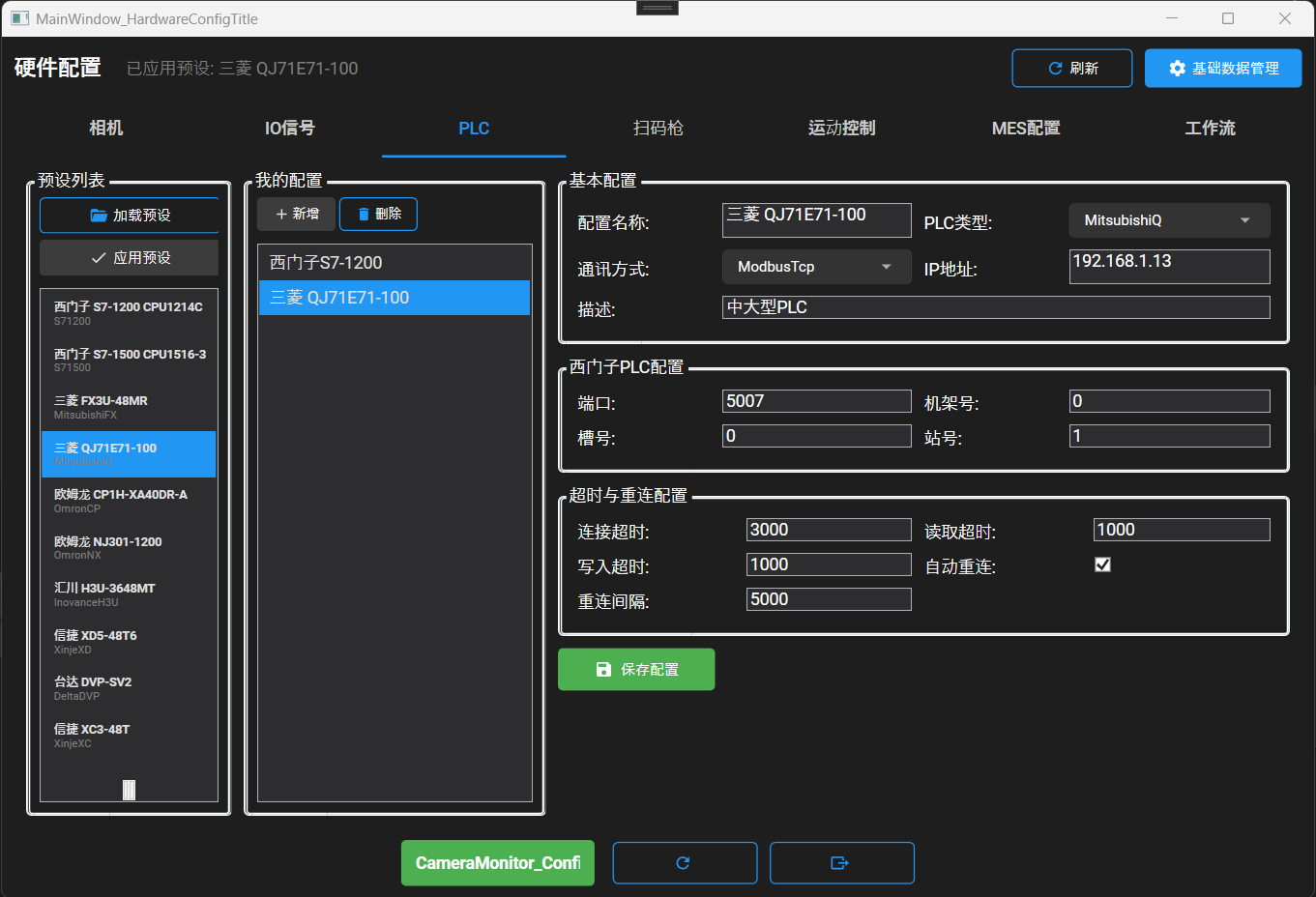
设备类型 支持品牌 Device Supported Brands Industrial Camera Basler, Hikrobot, Daheng, OPT, Huarui, Keyence, SICK IO Module Advantech, ADLINK, Xinje, Inovance, Googol, Moons' PLC Siemens S7-1200/1500, Mitsubishi FX/Q, Omron, Delta, Inovance, Xinje Barcode Scanner Honeywell, Zebra, Newland, Keyence, Hikrobot Motion Control Leadshine, Googol, Advantech, Leetro, ZNW
PLC 配置 / PLC Configuration
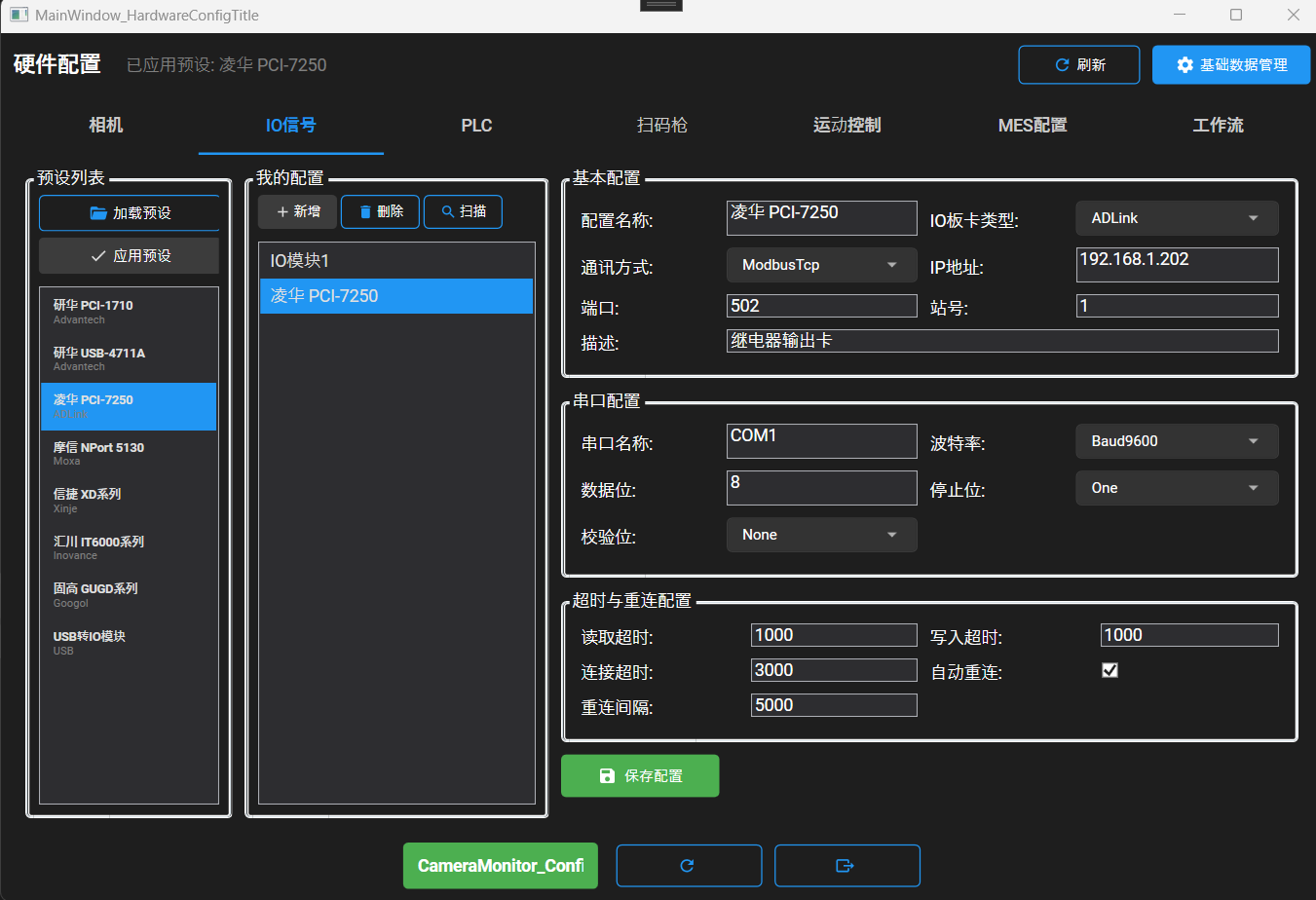
IO 板卡配置 / IO Module Config
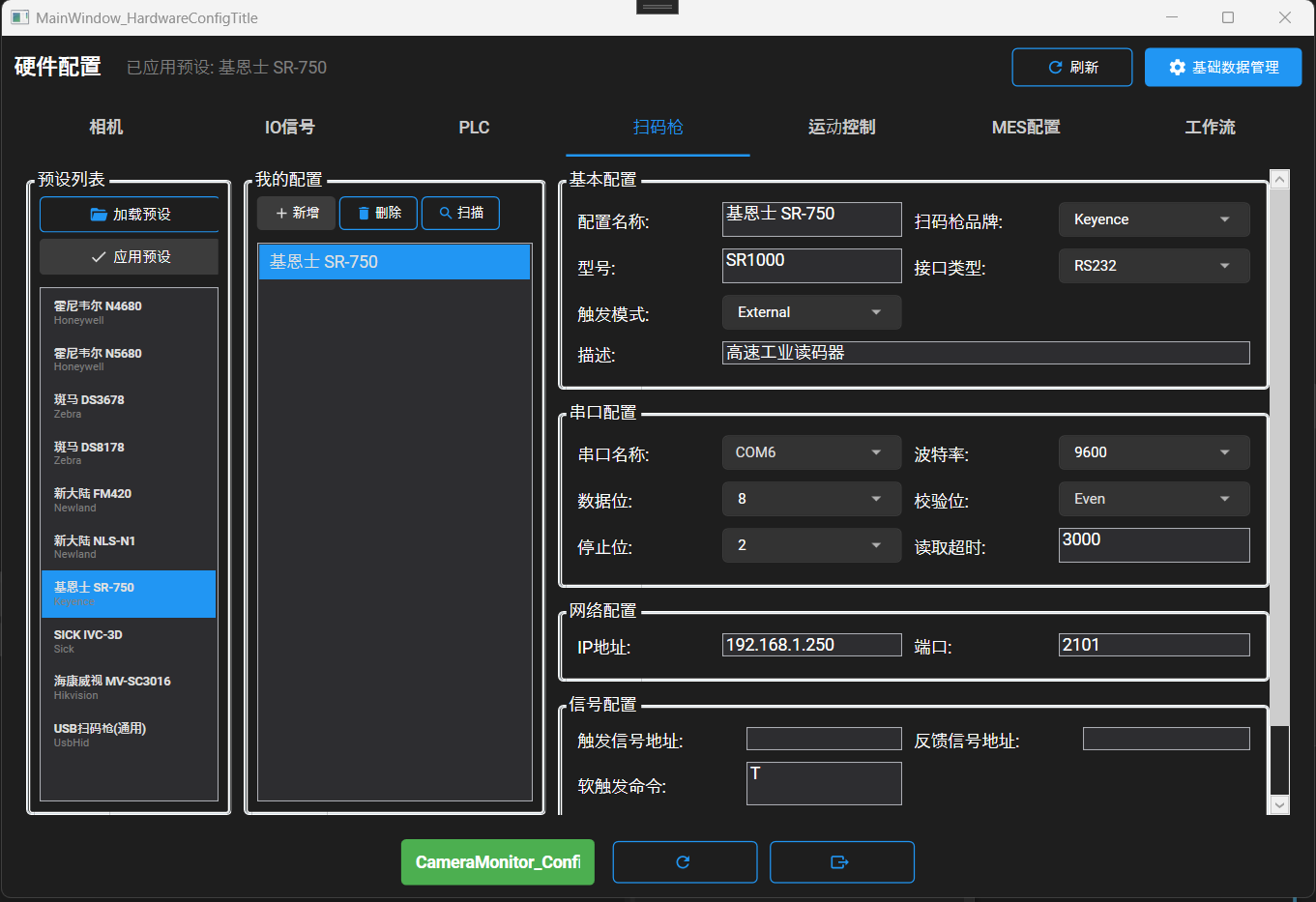
扫码枪配置 / Barcode Scanner
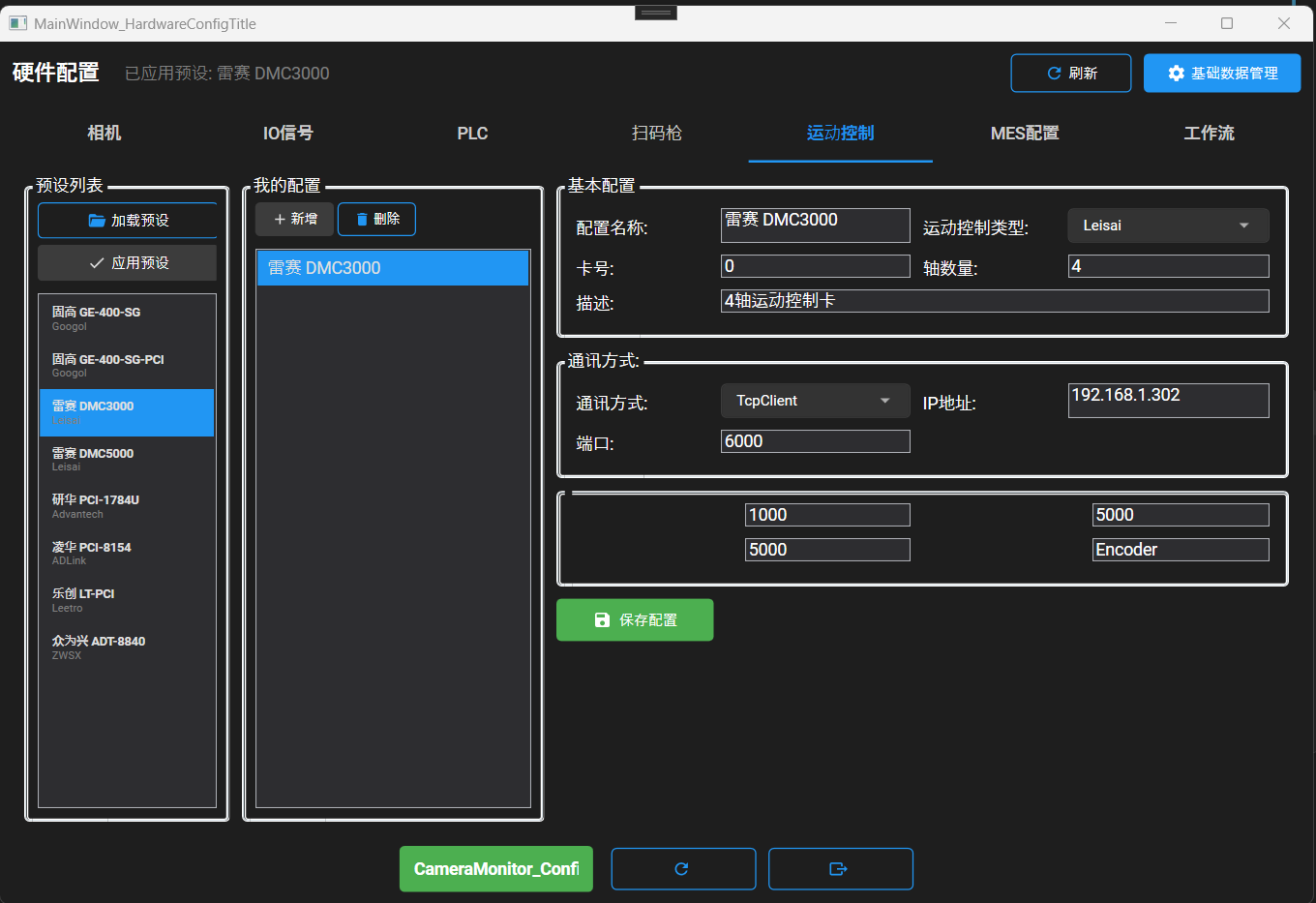
运动控制卡 / Motion Control
4 AI 视觉检测配置 AI Vision Inspection
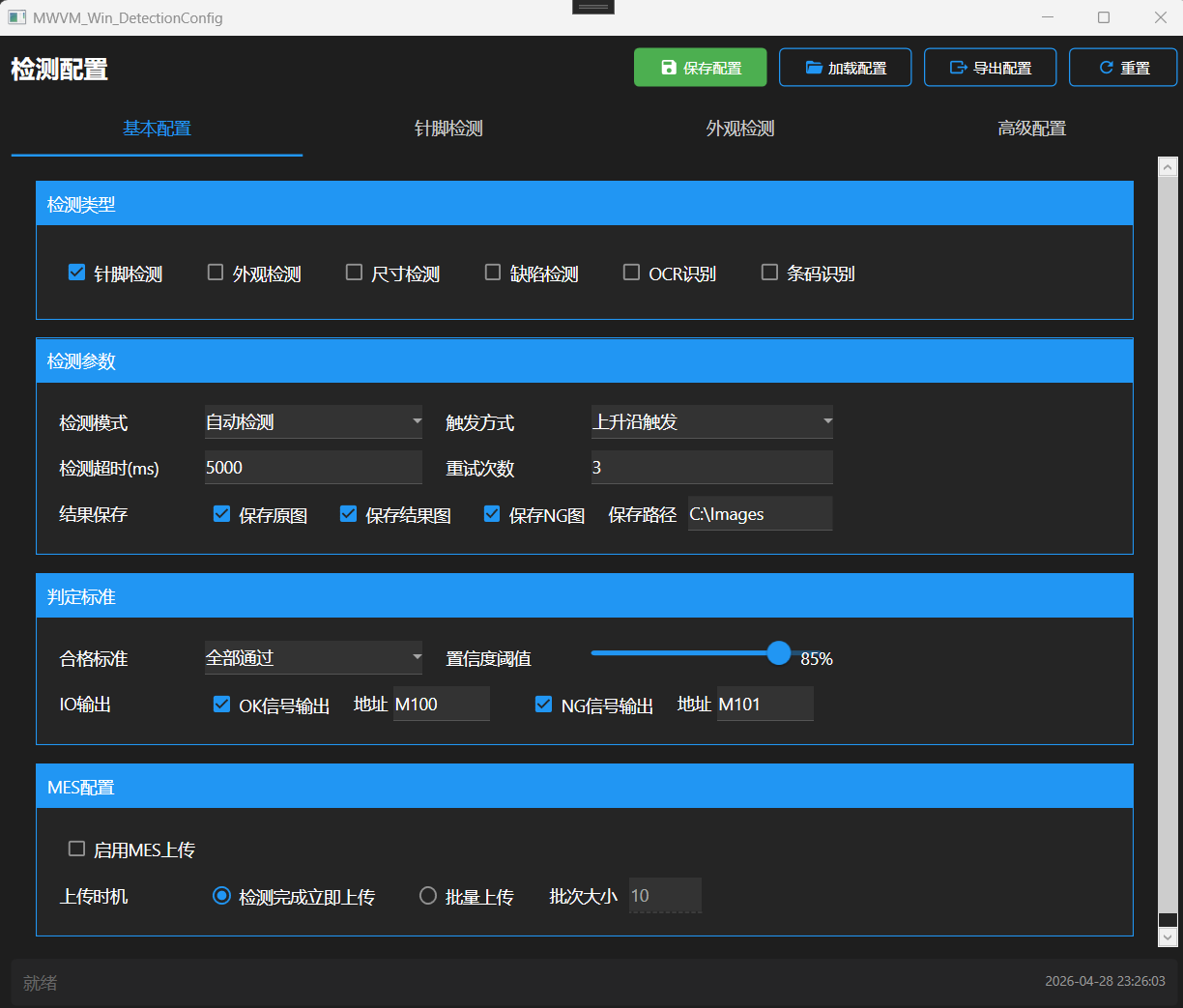
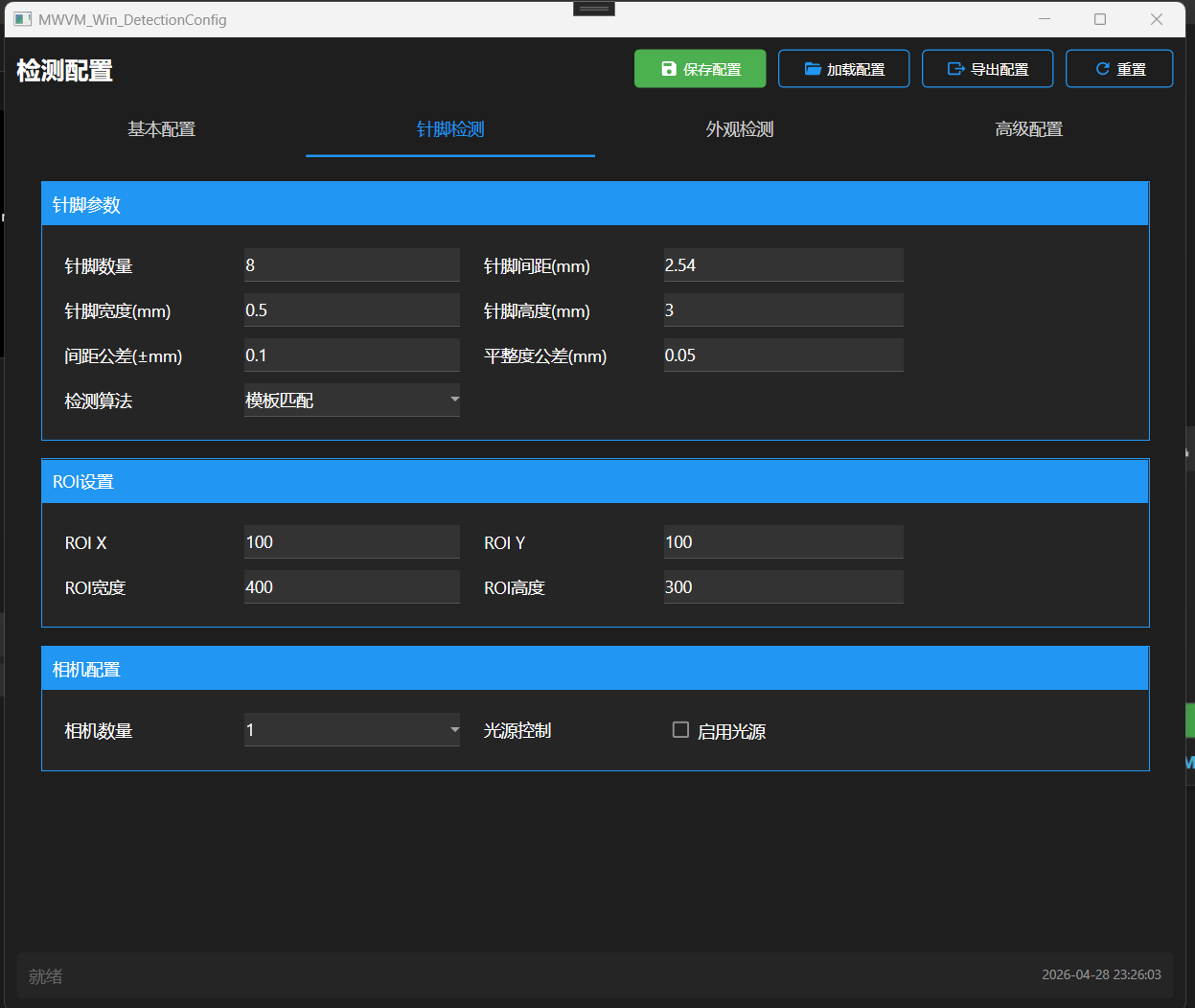
检测配置 / Inspection Config
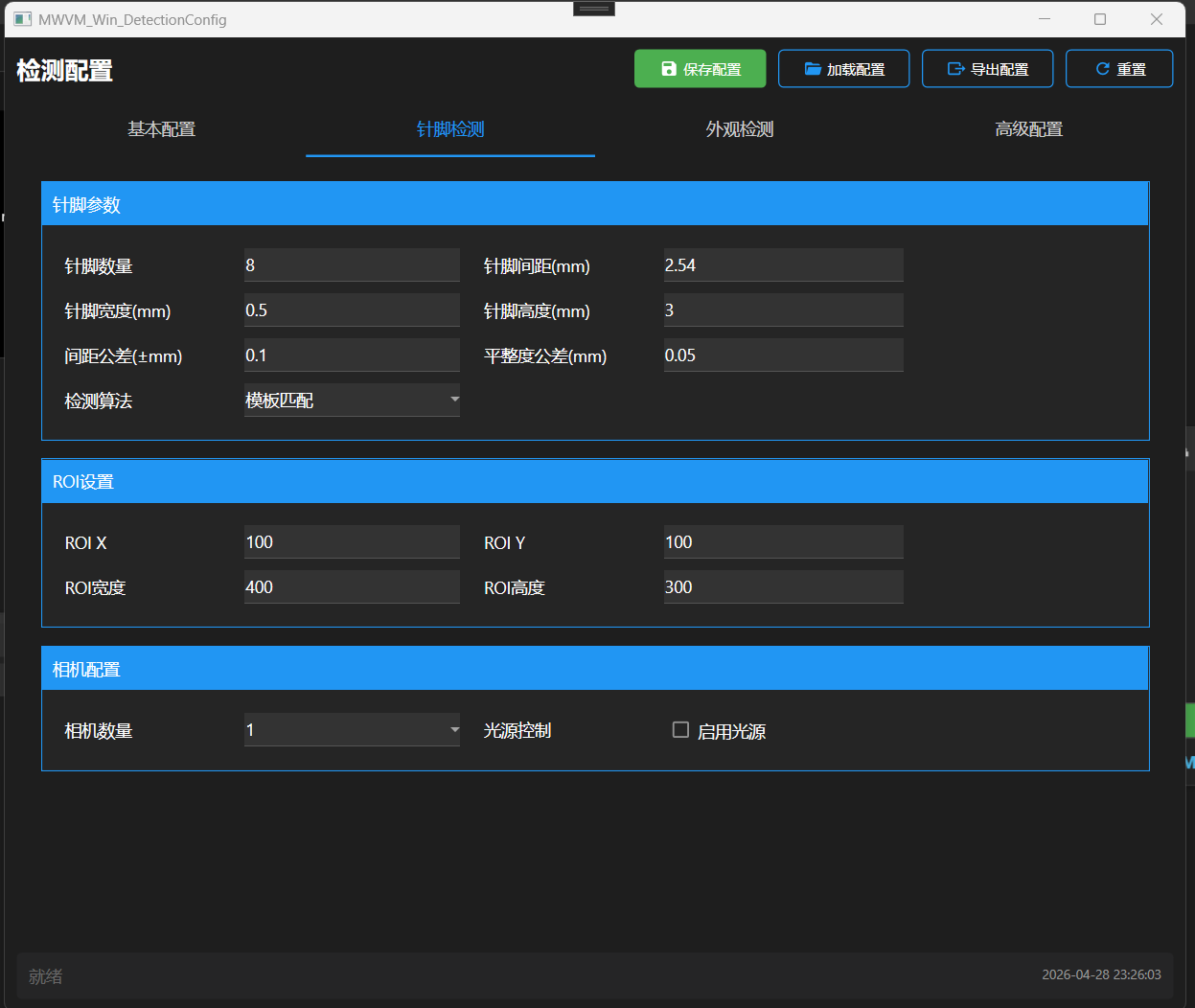
DIP 针脚检测 / DIP Pin Inspection
外观检测 / Surface Inspection
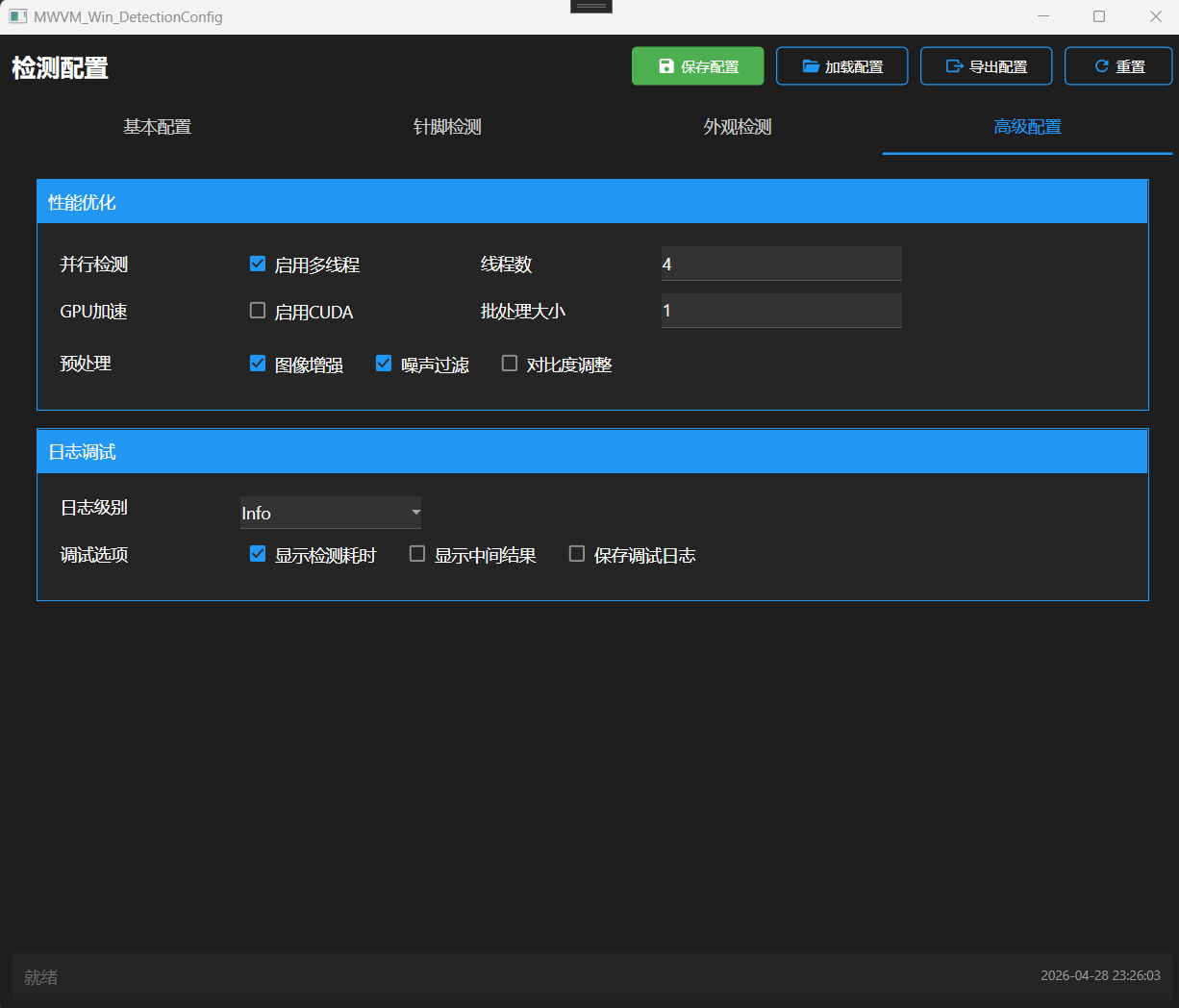
高级配置 / Advanced Config
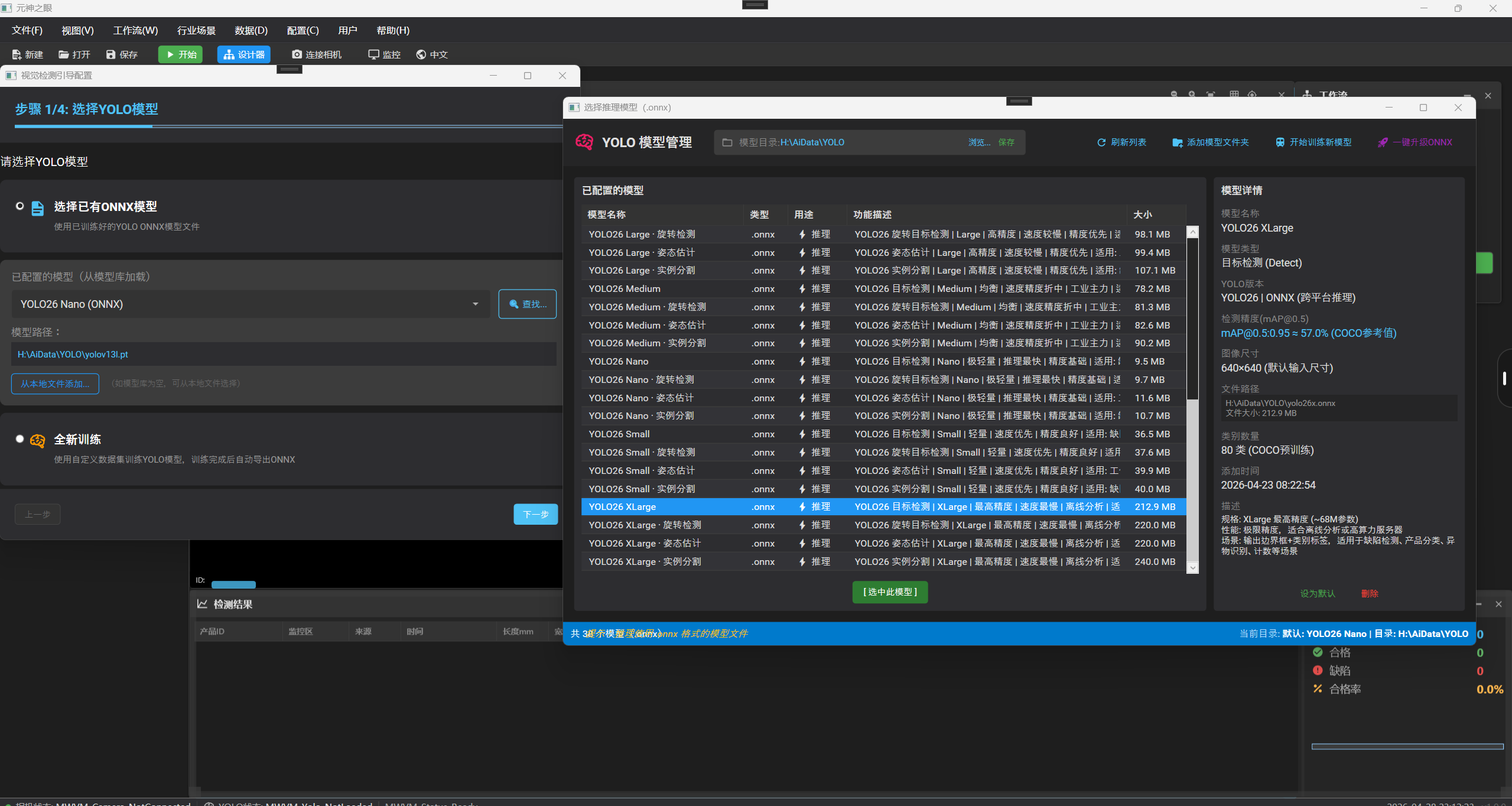
ONNX 模型 / ONNX Model Selection
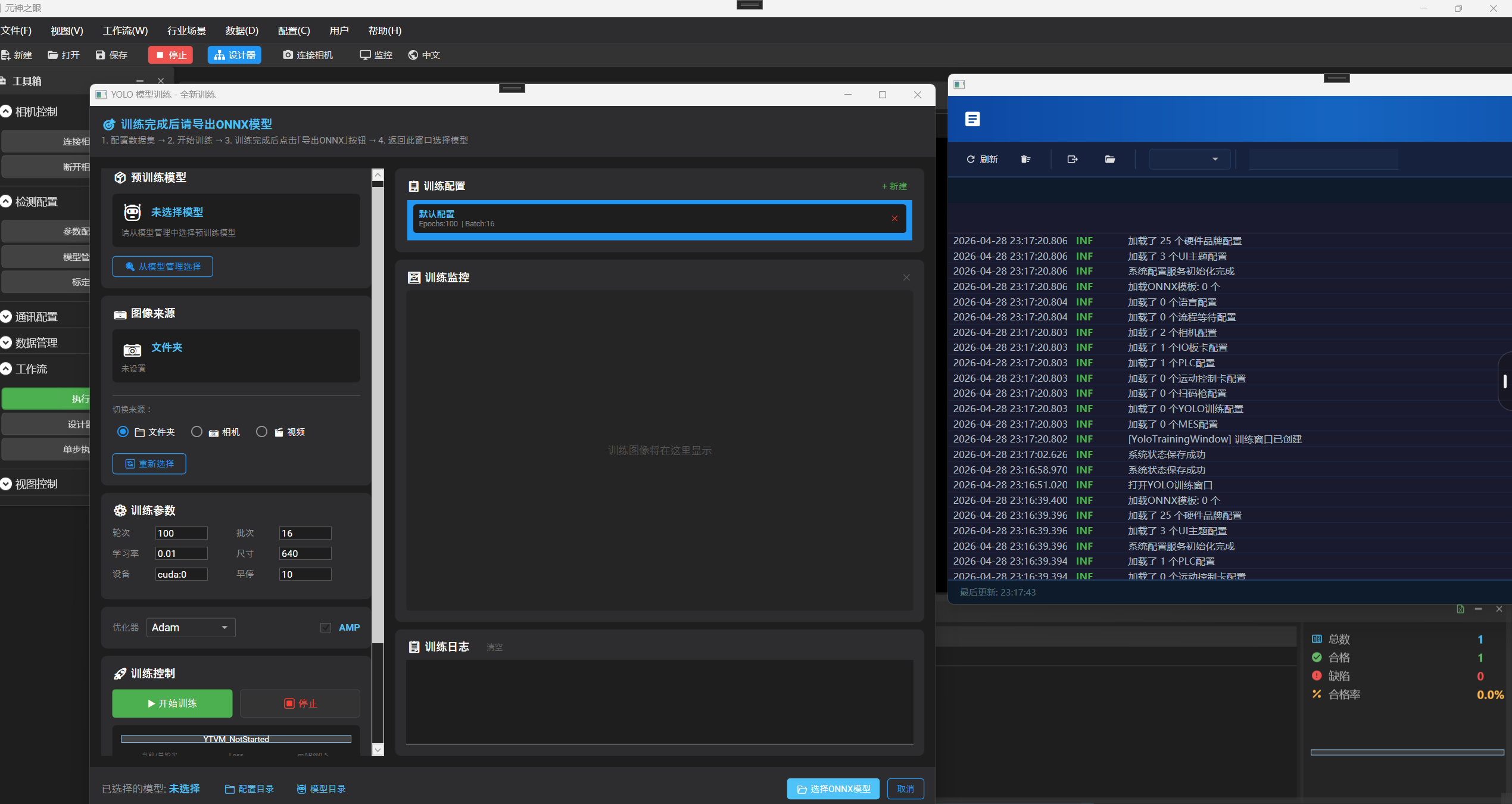
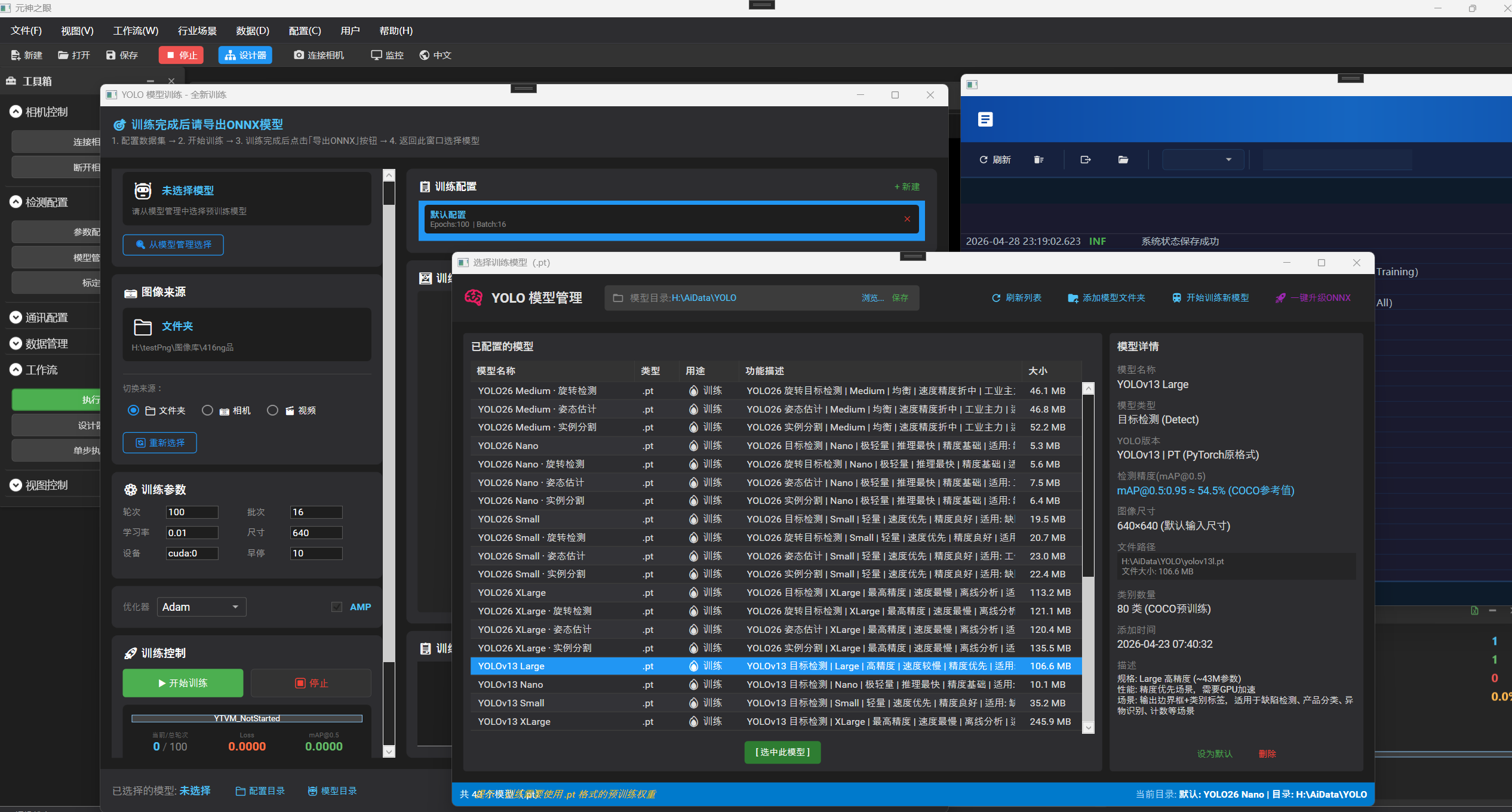
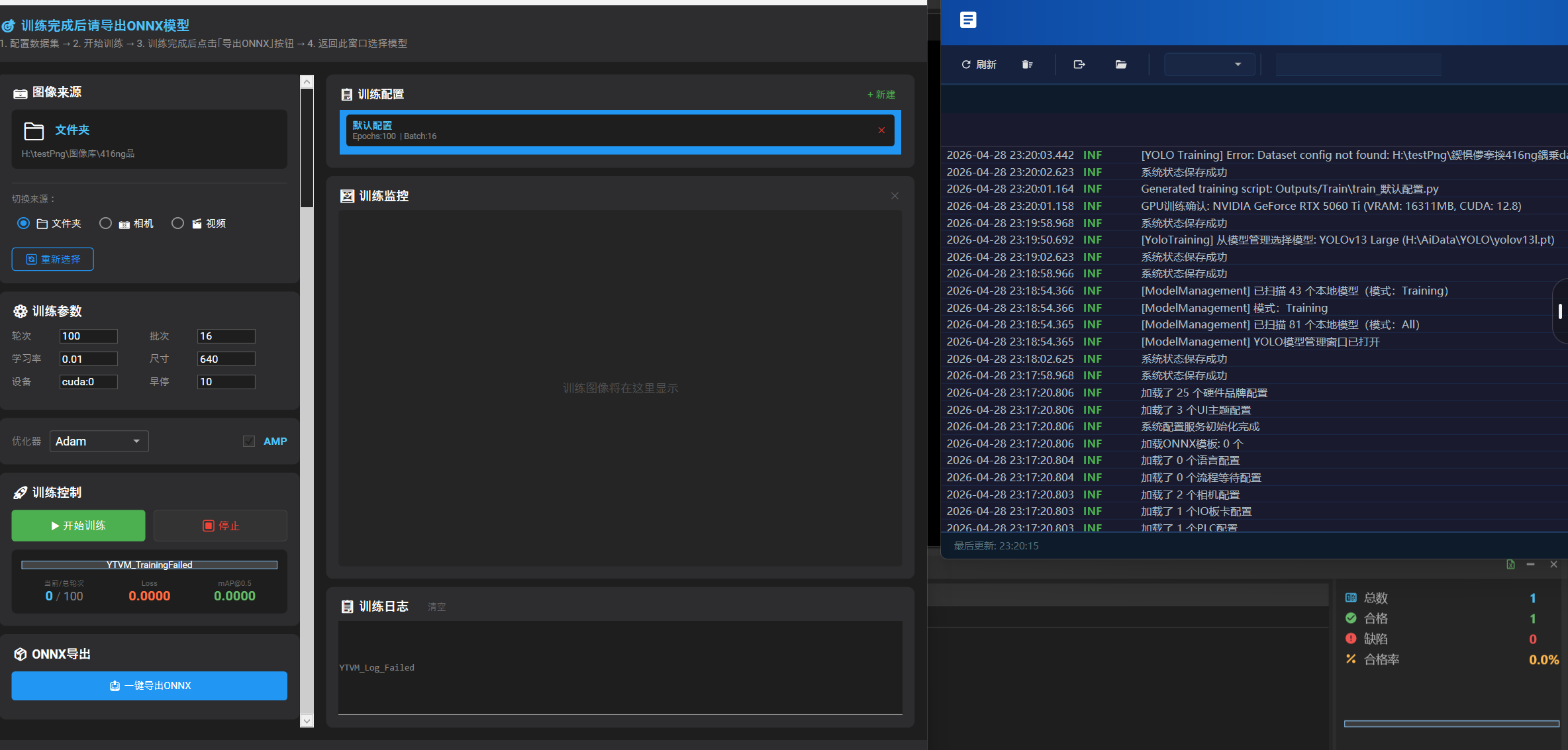
5 YOLO 模型训练 YOLO Model Training
从数据集准备到模型导出 ONNX 的全流程自动化。
End-to-end automated pipeline from dataset preparation to ONNX model export.
模型训练 / Model Training
预训练选择 / Pretrained Model Selection
一键导出 ONNX / One-click ONNX Export
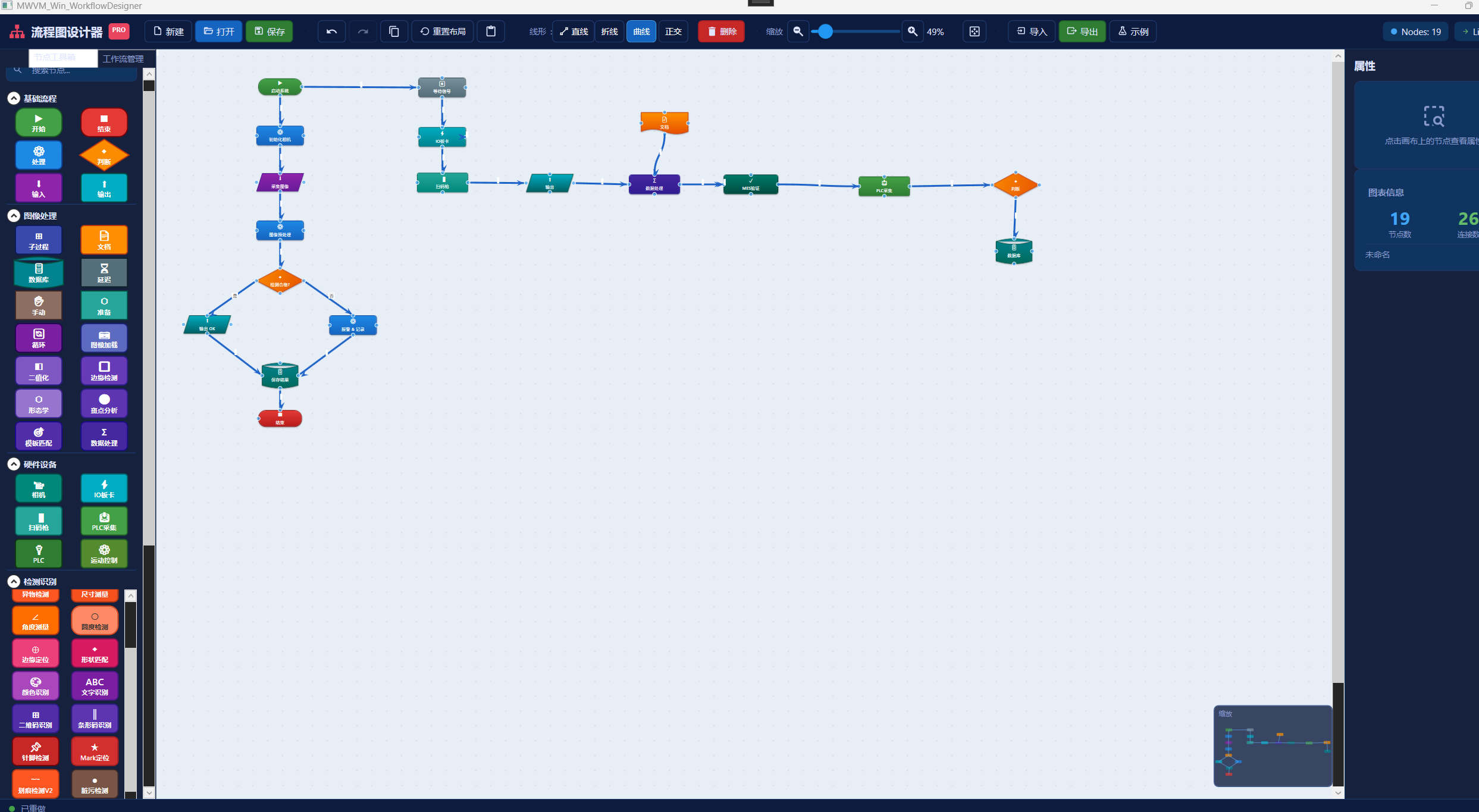
6 可视化工作流设计器 Visual Workflow Designer
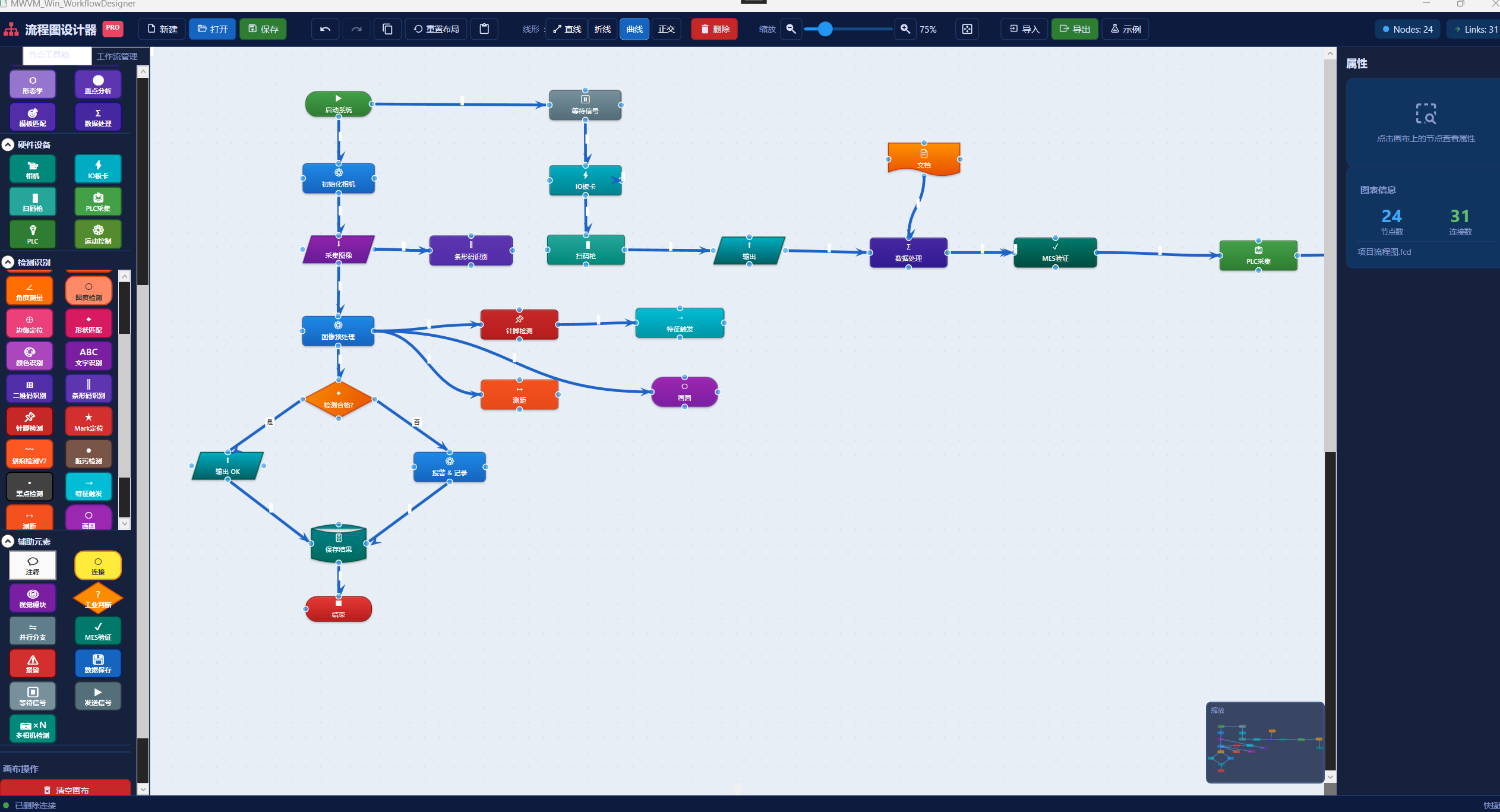
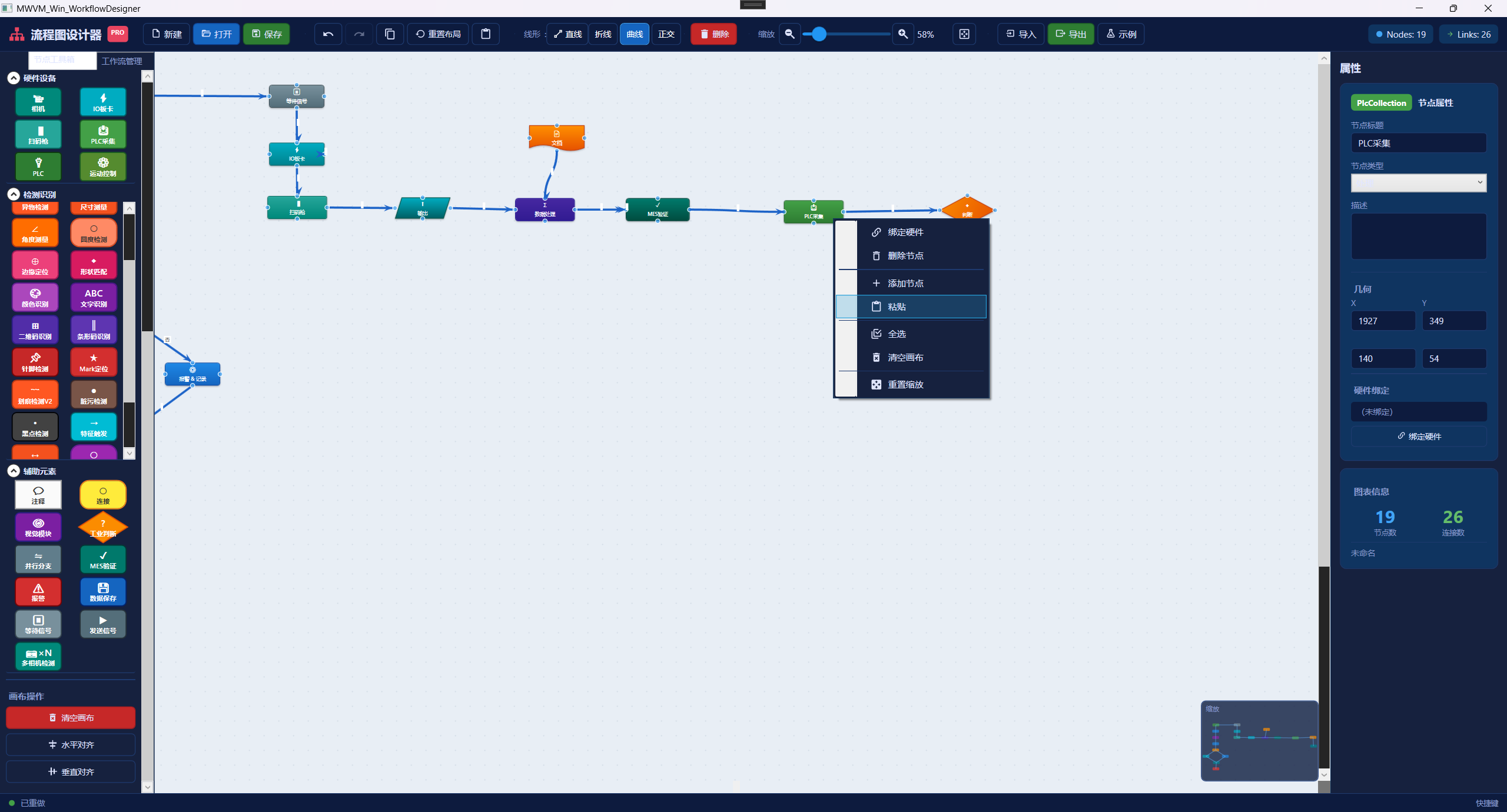
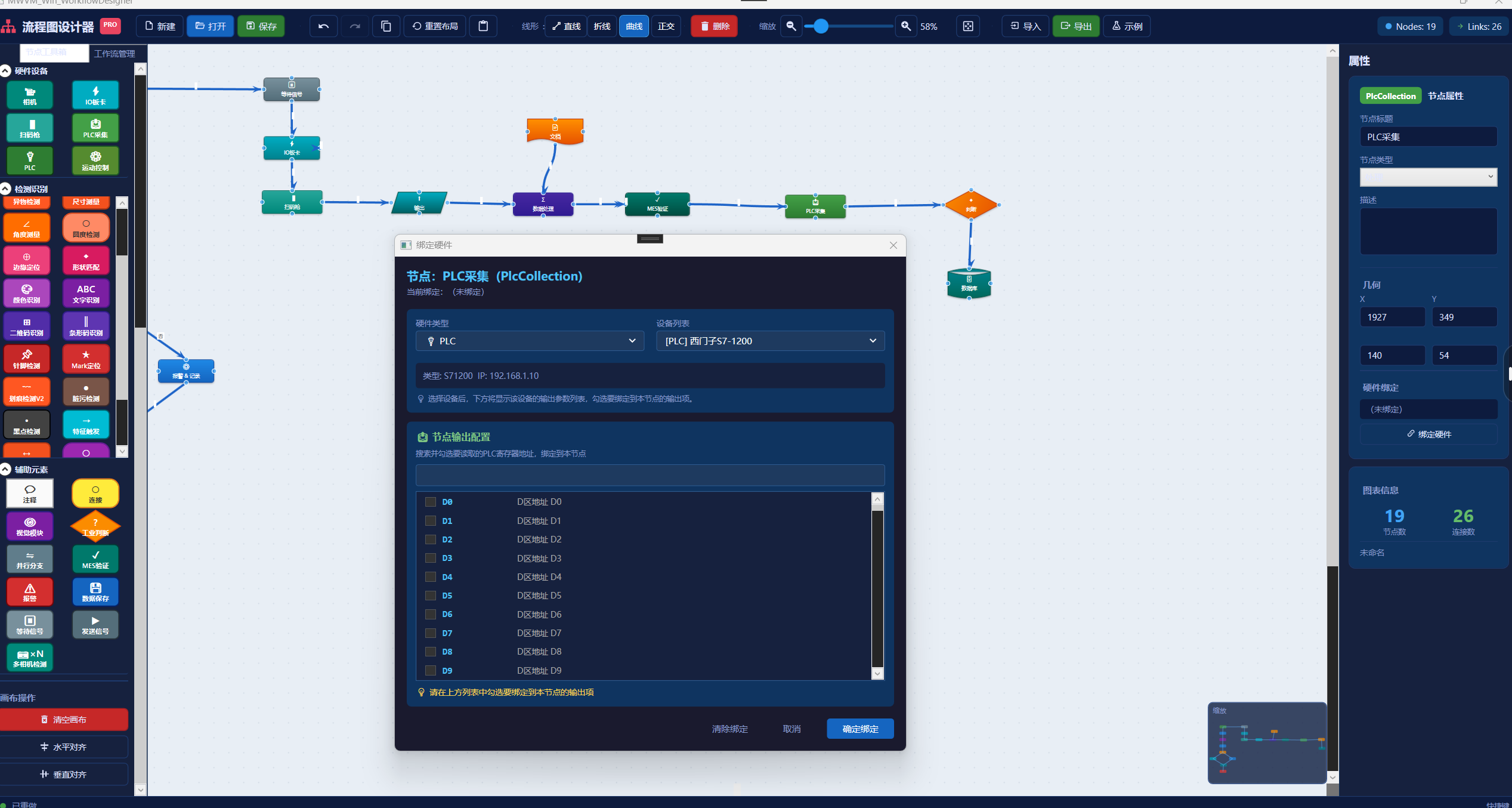
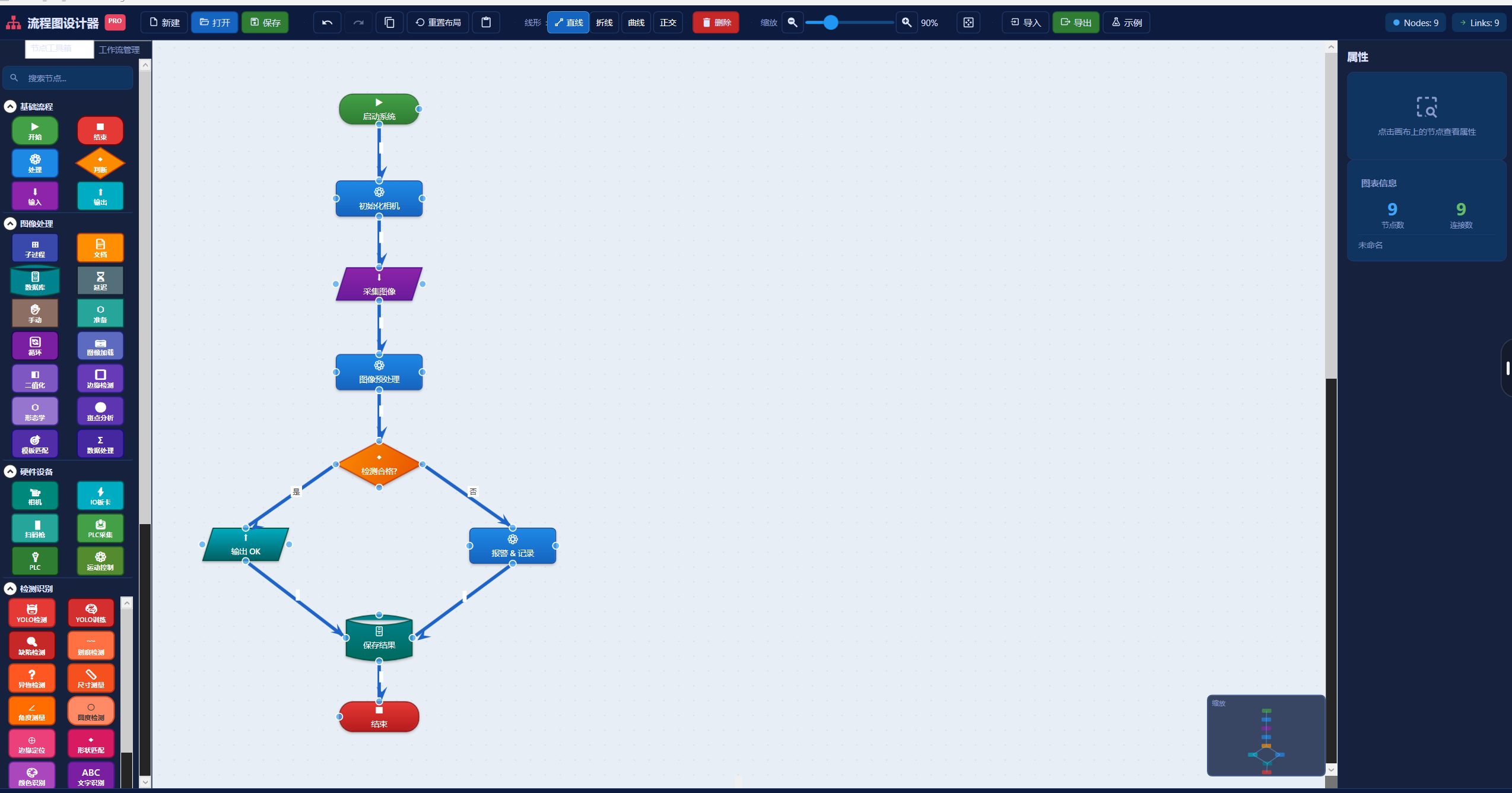
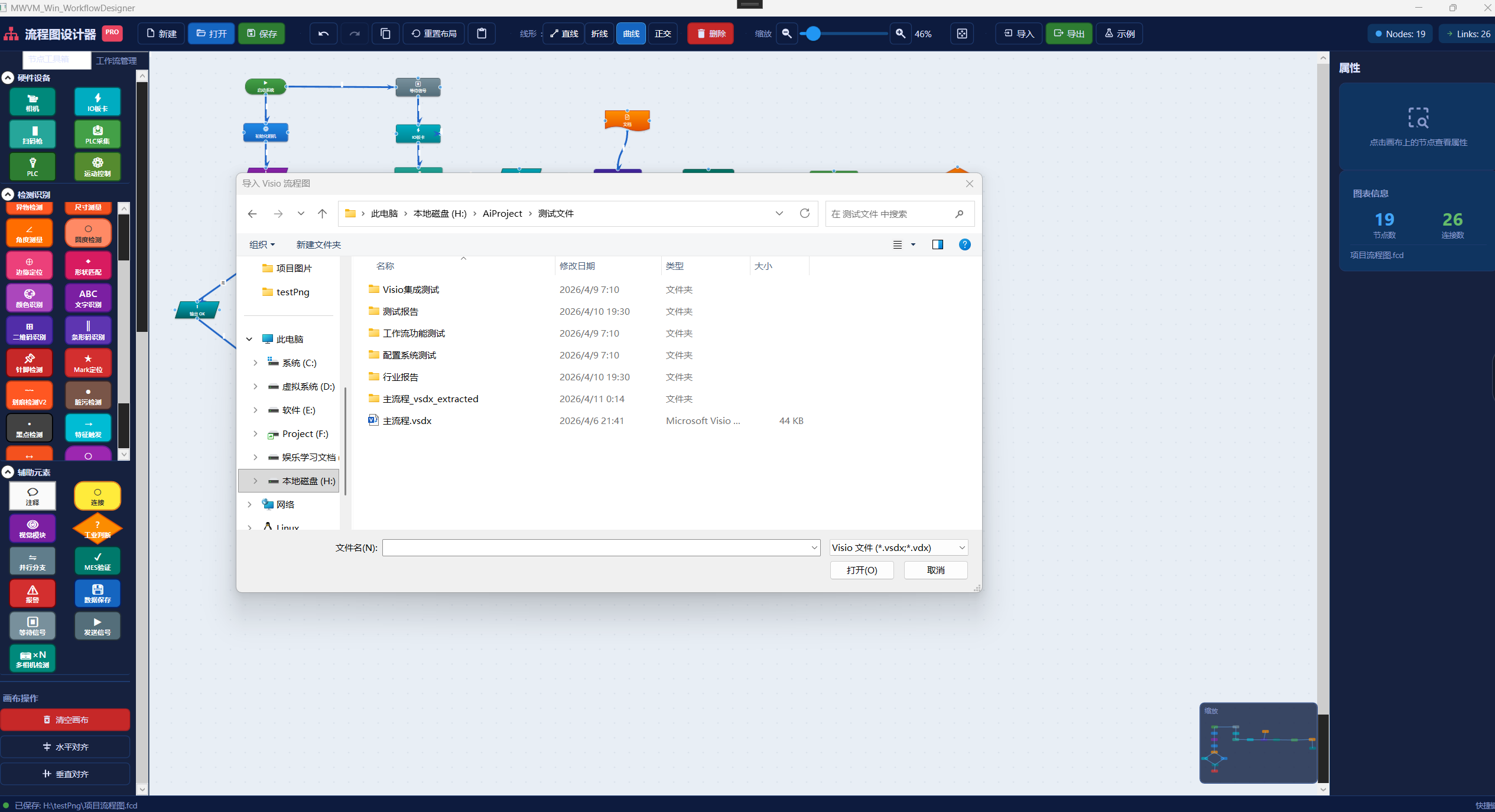
拖拽式构建完整产线流程:采集 → YOLO 检测 → 大模型分析 → OK/NG 判定 → PLC 输出 → MES 上传。支持 Visio .vsdx 导入、分支判断、循环、单步调试。
Drag-and-drop workflow: Capture → YOLO Detection → LLM Analysis → OK/NG → PLC Output → MES Upload. Supports Visio .vsdx import, branching, loops, and step debugging.
流程设计 / Workflow Design
运行流程 / Runtime Flow
节点绑定硬件 / Node Hardware Binding
单节点测试 / Single Node Test
Visio 导入 / Visio Import
导入转换 / Import Conversion
7 实时监控与检测运行 Real-time Monitoring
监控向导 / Monitoring Wizard
参数配置 / Parameter Config
界面布局 / Layout
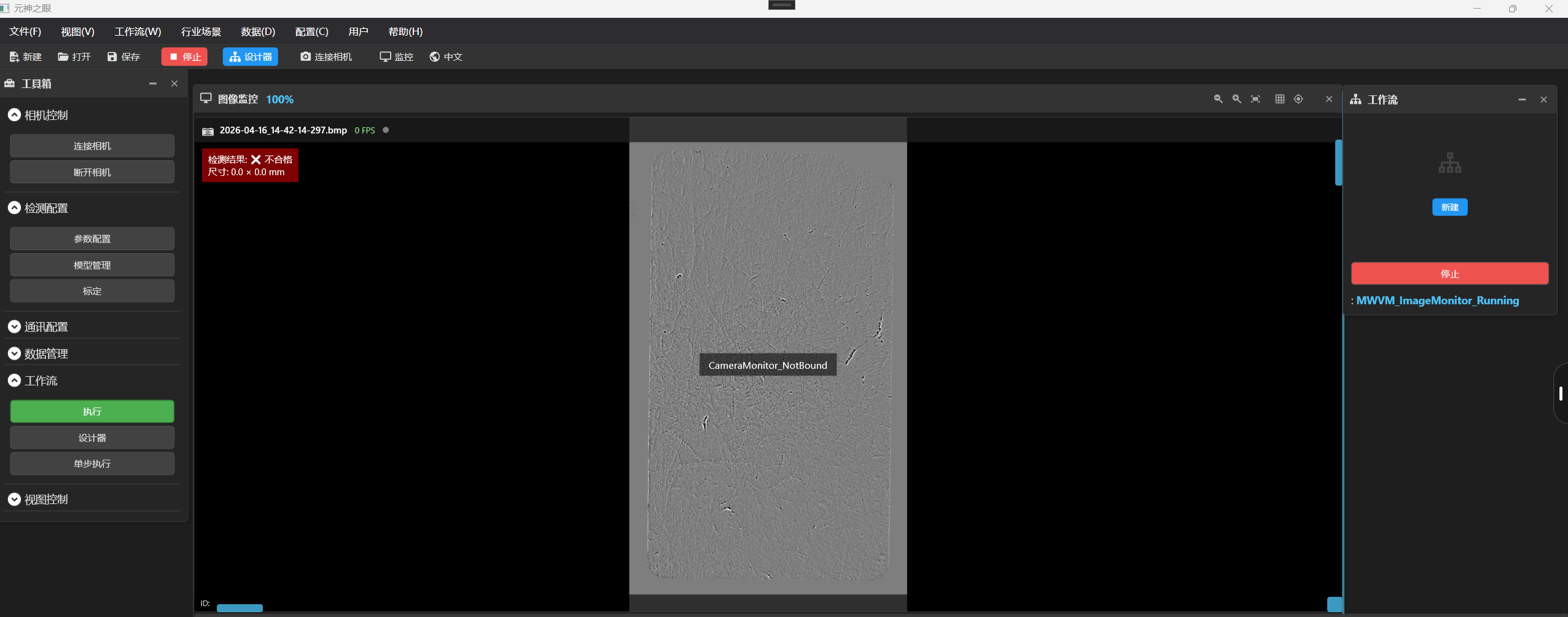
运行预览 / Runtime Preview
检测效果 / Detection Result
8 生产记录查询 Production Records
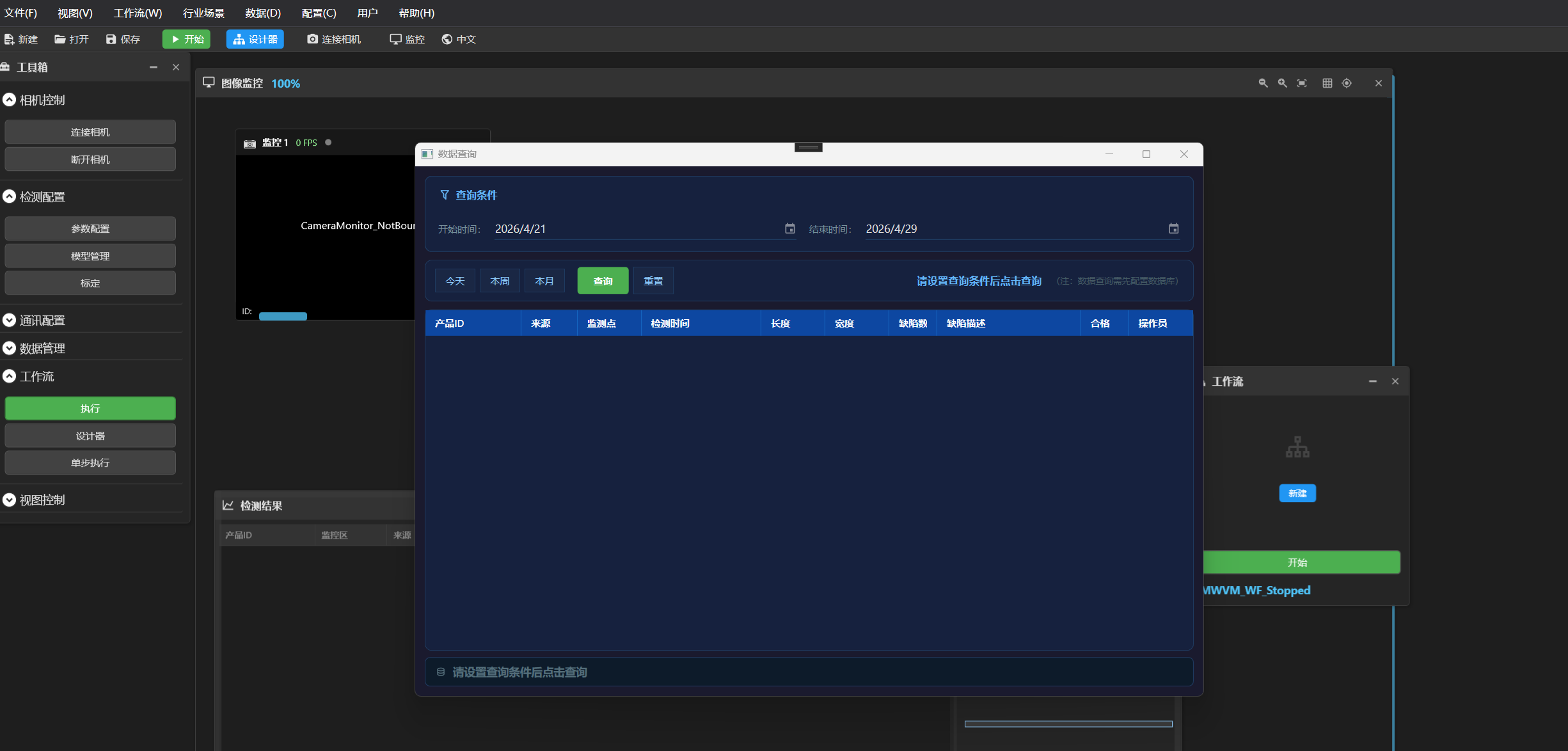
记录查询 / Record Query
按时间段、产品型号、判定结果筛选历史记录。包含产品 ID、检测结果、时间、操作员。支持 Excel 导出。
Filter by time range, product model, and inspection result. Includes product ID, result, timestamp, operator. Excel export supported.
9 通讯与 MES 配置 Communication & MES
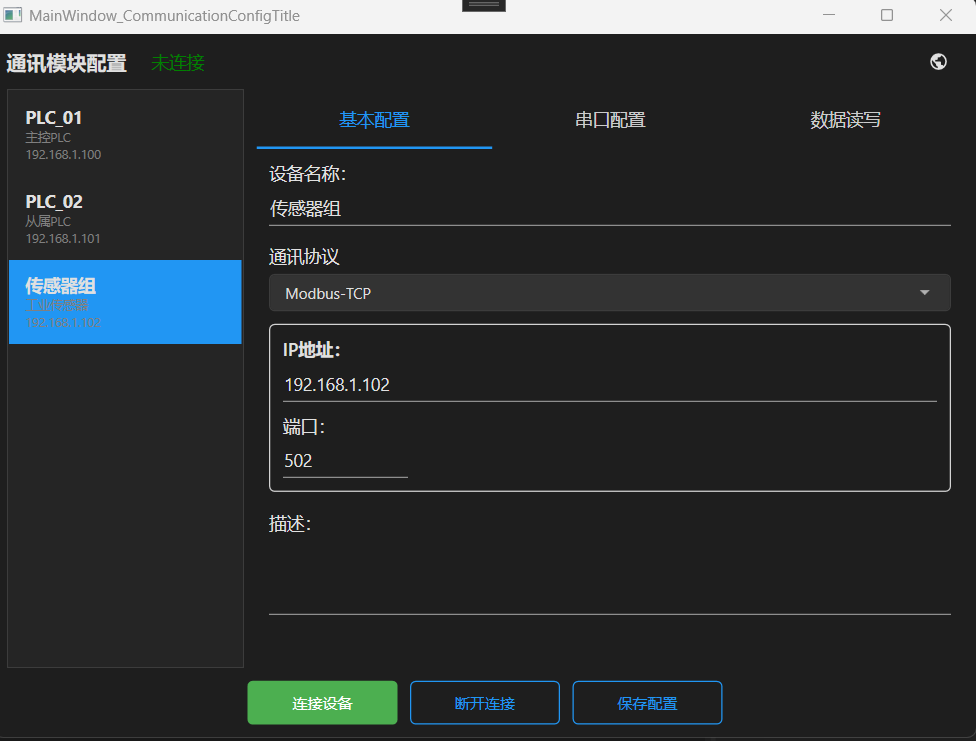
通讯配置 / Communication Config
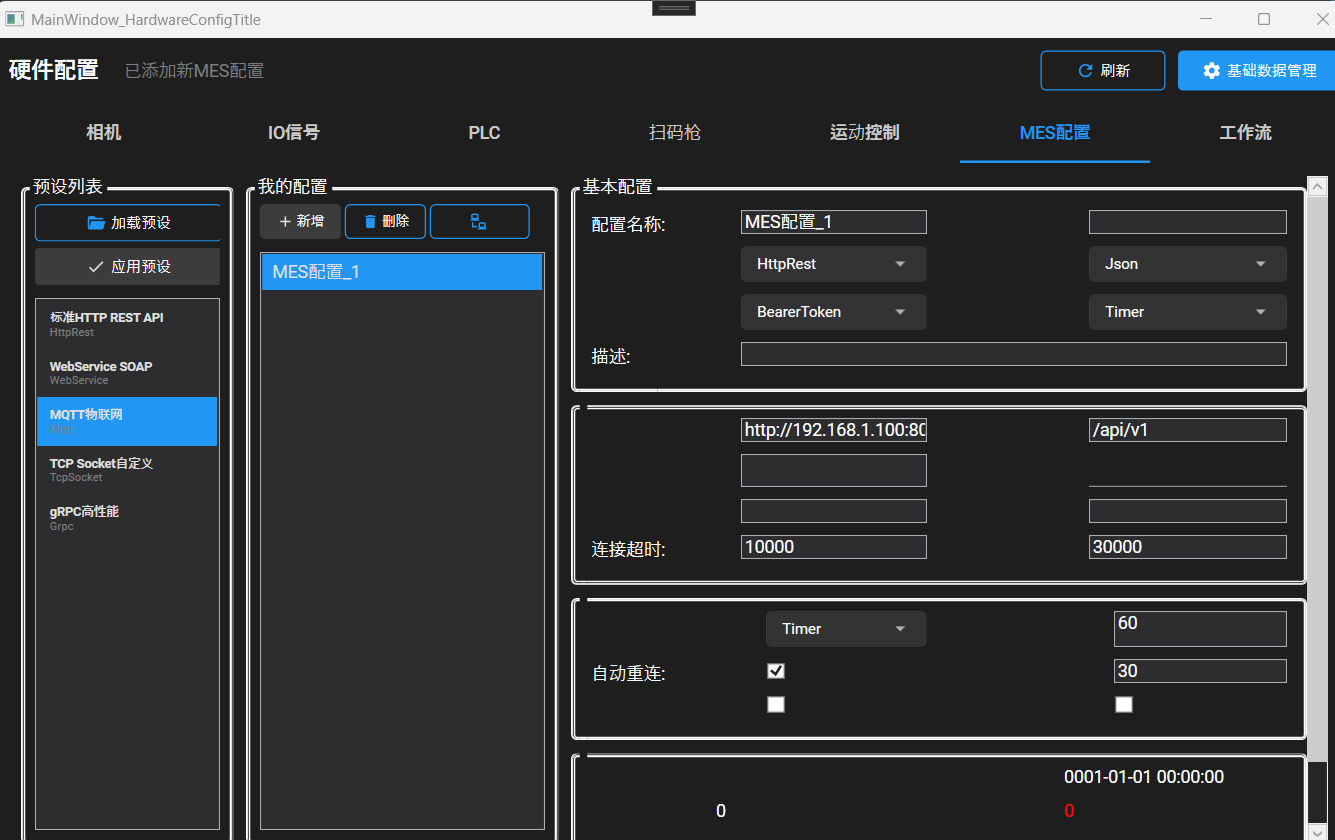
MES 配置 / MES Configuration
对接 MES 系统:工单管理、SOP 防错、质量追溯、设备管理。
MES integration: work order management, SOP error-proofing, quality traceability, equipment management.
10 行业场景适配 Industry Applications
行业场景 / Industries
电子元器件、半导体、五金塑胶、汽车零部件、食品包装、医药医疗、新能源。
Electronics, semiconductor, hardware/plastic, automotive, food packaging, medical, new energy.
11 多语言国际化 Multi-language Internationalization
内置 7 种语言:简体中文、English、中文繁体、日本語、한국어、Español、Tiếng Việt。采用独创 LanguagesType 架构,无需预定义语言代码,后台一键切换,所有界面同步适配。
Built-in 7 languages: Chinese Simplified, English, Chinese Traditional, Japanese, Korean, Spanish, Vietnamese. Uses proprietary LanguagesType architecture - no predefined language codes, one-click switch in admin panel.
12 新手快速上手指南 Quick Start Guide
1 打开平台,登录主界面 Launch and login
2 硬件配置,选择本地文件夹做离线调试 Select local folder for offline testing
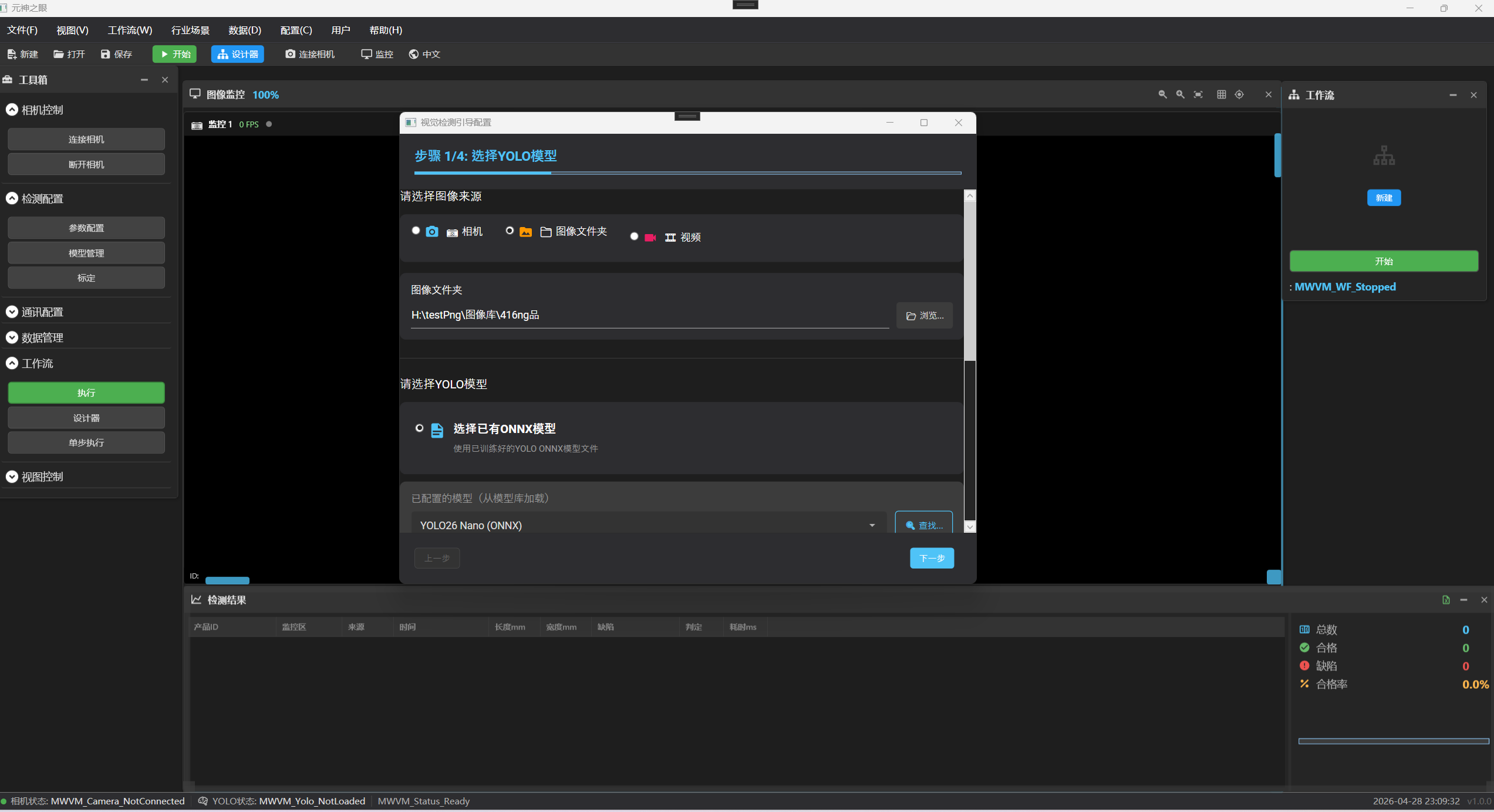
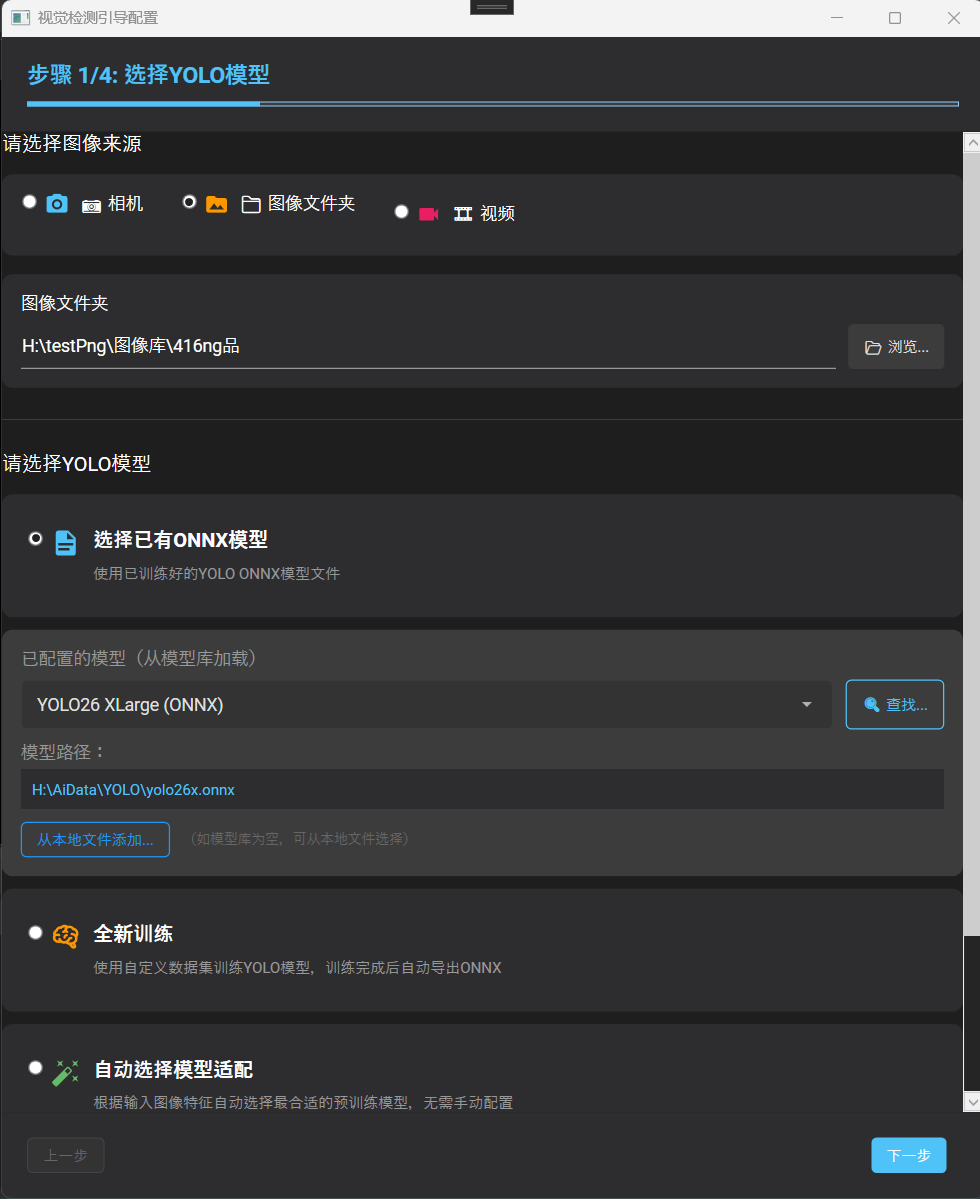
3 导入 YOLO ONNX 模型 Load YOLO ONNX model
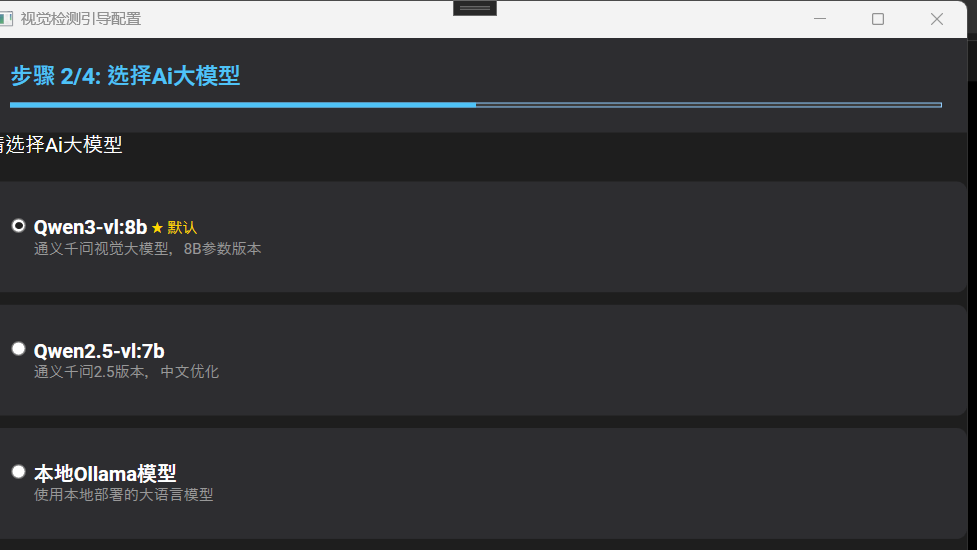
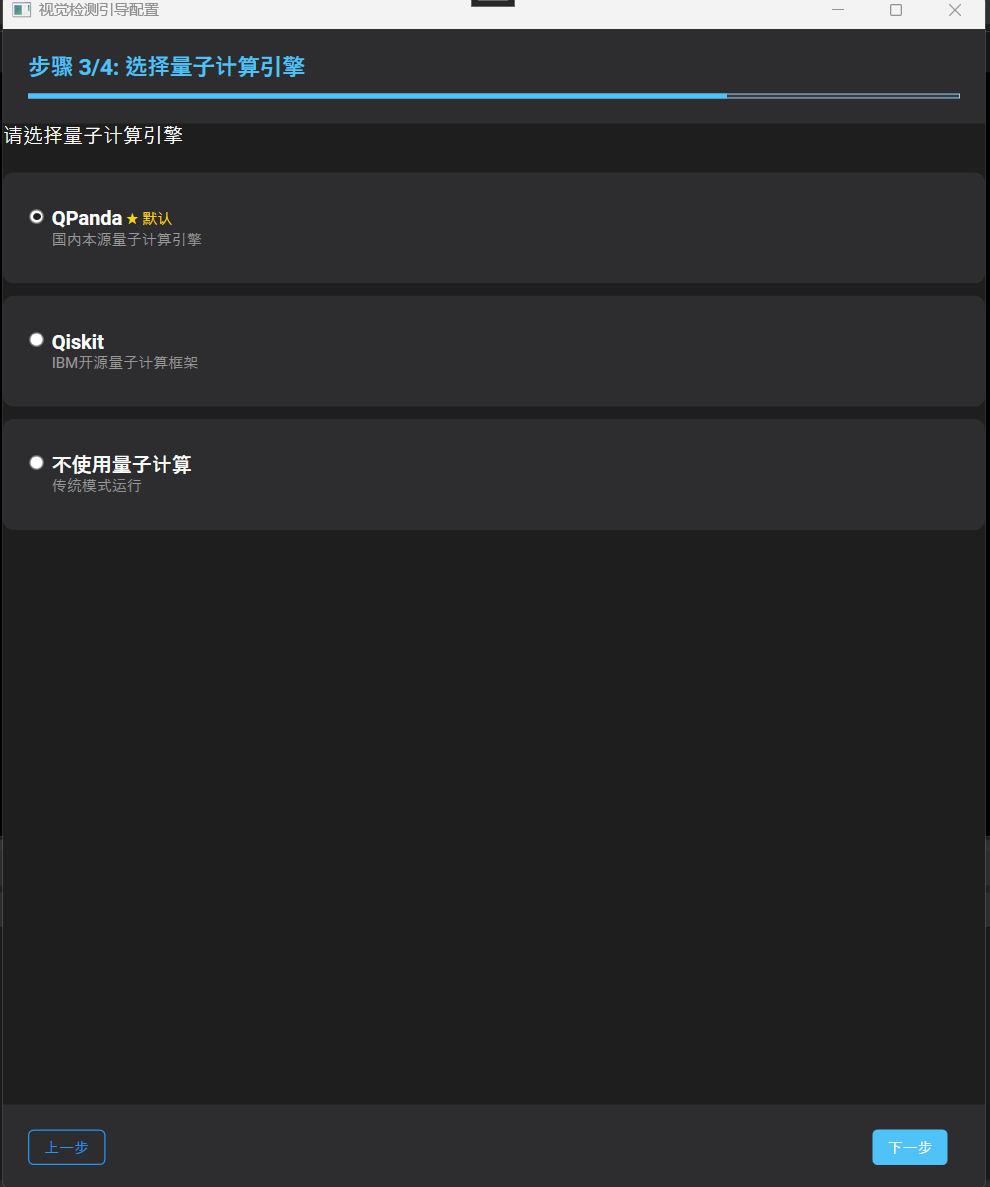
4 配置大模型,量子引擎选"不使用" Configure LLM, disable quantum engine
5 设置置信度阈值,选择检测类型 Set confidence threshold, select inspection type
6 进入监控,启动检测 Open monitoring, start inspection
13 硬件环境要求 System Requirements
场景 最低 推荐
Scenario Minimum Recommended
文件夹测试 Offline test R5 4650 + 16G R7 5700X + 32G 实时 + YOLO Real-time + YOLO R7 5700X + 32G + 8G VRAM R7 9700X + 64G + 16G VRAM 实时 + 大模型 Real-time + LLM R7 9700X + 32G + 12G VRAM R9 + 64G + 24G VRAM